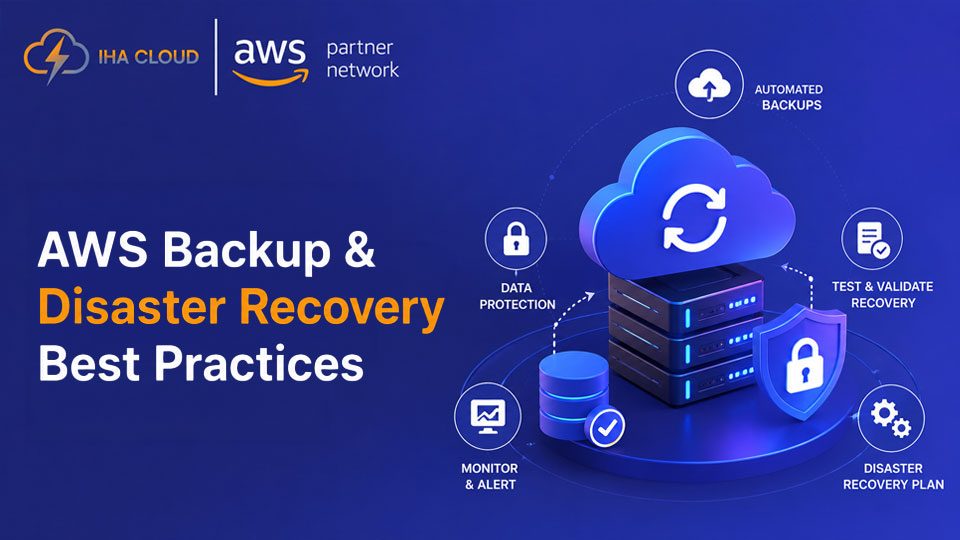
A backup strategy can look perfectly healthy on paper and still fail when production goes down.
You may have automated backups, retention policies, and recovery points in place. But can you restore the application fast enough? Are those backups protected if production is compromised?
A strong AWS backup strategy starts with two practical questions: How much data can you afford to lose, and how quickly do you need to recover?
What Should an AWS Backup Strategy Cover?
A good strategy should define:
- RPO: How much data loss is acceptable?
- RTO: How long can the service remain unavailable?
- What needs to be backed up
- How long backups should be retained
- Where recovery copies should live
- How recovery will be tested
Not every workload needs the same level of protection. A customer-facing database may need a very different strategy from a development environment.
1. Align RTO and RPO With Your Recovery Design
RTO and RPO should drive the recovery approach—not the other way around.
If a database has a 15-minute RPO, a daily snapshot won’t meet the requirement.
And low RPOs don’t always mean taking snapshots more frequently. Depending on the workload, Amazon RDS point-in-time recovery, database replication, continuous data protection, or AWS Elastic Disaster Recovery may be more appropriate. For database-heavy workloads, AWS database management and recovery should also be considered as part of the overall strategy.
The goal is to choose a recovery mechanism that can actually meet the required objective.
2. Automate AWS Backups
Manual backups become difficult to manage as AWS environments grow.
AWS Backup can centralize backup plans, schedules, retention, lifecycle policies, and resource protection across supported AWS services.
Policies should reflect workload importance. Critical production systems may need more frequent recovery points and longer retention than non-production environments.
For larger environments, AWS Organizations can also help with consistent backup governance across accounts.
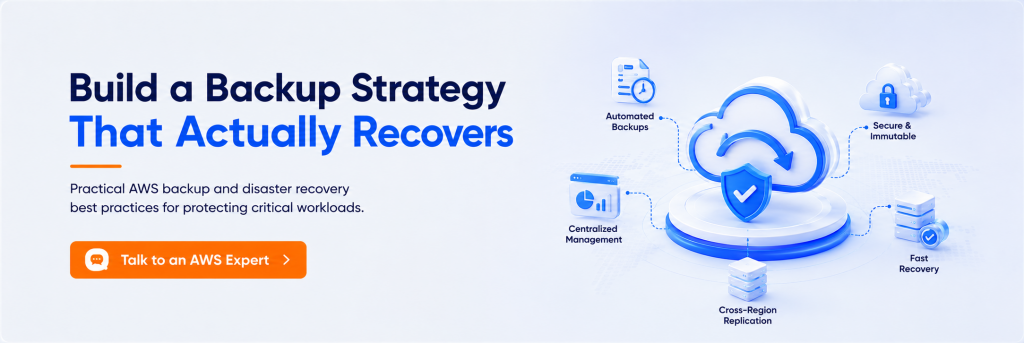
3. Keep Recovery Data Separate
If production is compromised, your recovery data shouldn’t face the same risk.
For critical workloads, consider:
- Separate backup accounts
- Cross-Region copies where required
- AWS Backup Vault Lock
- Restricted IAM access
- AWS KMS encryption
These controls should also be reviewed as part of your broader AWS security posture.
Vault Lock can help protect recovery points from unauthorized deletion or modification during their retention period.
Cross-account and cross-Region protection aren’t mandatory for every workload. Use them where the business impact and recovery requirements justify the added complexity and cost.
4. Choose the Right DR Architecture
Backup gives you recovery points. Disaster recovery determines how quickly the application comes back.
| Approach | Relative recovery speed | Relative cost/complexity |
| Backup & Restore | Slower | Lower |
| Pilot Light | Faster | Moderate |
| Warm Standby | Fast | Higher |
| Multi-Region Active/Active | Very fast | Highest |
These aren’t guaranteed RTOs. Actual recovery depends on how the environment is designed and tested.
The best architecture is usually the simplest one that reliably meets your RTO and RPO.
5. Don’t Forget Application Dependencies
Restoring a database doesn’t automatically restore an application.
A recovery plan may also need to account for:
Networking → IAM → KMS → Secrets → DNS → Queues → External services
Document the dependencies of critical applications and make sure they’re included in the recovery process.
6. Make Recovery Repeatable
During an outage, manually rebuilding infrastructure wastes valuable time.
Infrastructure as Code tools such as AWS CloudFormation, AWS CDK, or Terraform can make recovery more consistent and reduce configuration drift.
A simplified process might look like:
Provision → Restore → Validate → Redirect
The exact workflow depends on the application, but fewer manual steps generally mean more predictable recovery.
7. Test Recovery, Not Just Backups
A successful backup job only tells you that a recovery point exists.
It doesn’t tell you whether the application can actually run after restoration.
Regular recovery tests should measure:
- Recovery point freshness
- Actual recovery time
- Data integrity
- Application dependencies
- Infrastructure and permissions
If your RTO is one hour but recovery takes three, the backup strategy isn’t meeting the requirement.
A Practical AWS Backup Strategy Example
Consider a SaaS platform with a 15-minute RPO and 1-hour RTO.
Its recovery strategy might combine:
Appropriate recovery mechanism → Isolated backup copies → IaC-based infrastructure recovery → Regular restore testing
Each decision supports the same recovery objectives.
That’s more important than simply having a large number of backups.
Common AWS Backup Mistakes
Watch for these gaps:
- Assuming backup success means recovery will succeed
- Using the same policy for every workload
- Keeping backups too close to production
- Confusing backup frequency with RPO
- Ignoring application dependencies
- Never testing recovery
- Over-engineering DR without a business requirement
Build for Recovery, Not Just Backup
A strong AWS backup strategy isn’t about having the most recovery points.
It’s about being able to recover the right systems, within the required timeframe, with the data you can afford to lose.
For some workloads, automated backups and tested restores are enough. Others may require standby infrastructure or multi-Region recovery.
Build the level of resilience your business actually needs—and prove that it works before a real incident does.
Need help assessing your AWS backup and disaster recovery strategy?
IHA Cloud can evaluate your AWS environment, recovery objectives, and existing controls to help build a practical recovery strategy around your business requirements.