IHA Cloud

Uncategorized

what is kubernetes and how its works?

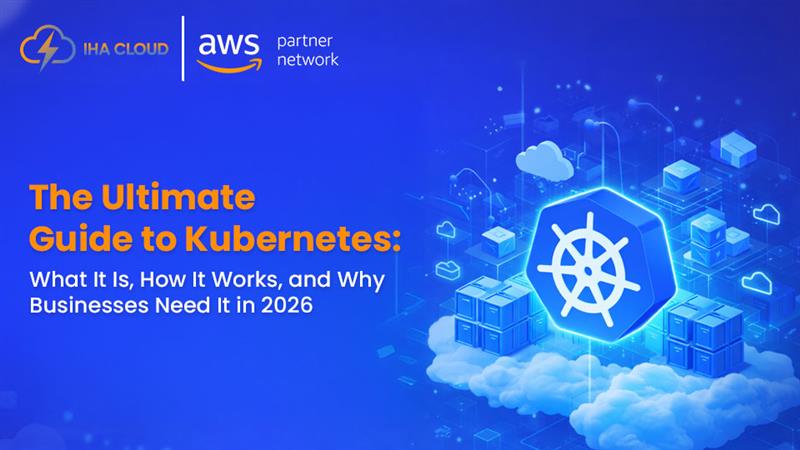
What Is Kubernetes? A Complete Guide for 2026

In today’s fast-paced digital landscape, businesses are under constant pressure to deliver applications faster, scale seamlessly, and maintain high availability—all while keeping costs under control. Traditional infrastructure models simply can’t keep up with these demands anymore. This is where Kubernetes comes in. Kubernetes has become the backbone of modern cloud-native application development. Whether you’re running a startup, scaling an SaaS product, or managing enterprise workloads, Kubernetes provides the flexibility and automation needed to stay competitive in 2026. But despite its popularity, many businesses still struggle to understand what Kubernetes actually is, how it works, and why it’s so important. In this guide, we’ll break everything down in simple, practical terms—so you can understand not just the “what,” but also the “why” and “how.” What Is Kubernetes? A Simple Explanation At its core, Kubernetes is an open-source platform designed to automate the deployment, scaling, and management of containerized applications. Let’s simplify that. Imagine you have an application made up of multiple components—frontend, backend, database, APIs. Instead of running everything on a single server, modern applications are broken into smaller pieces called containers. Kubernetes helps you: In short, Kubernetes acts like a smart manager for your applications. Containers vs Virtual Machines: Why Kubernetes Exists Before Kubernetes, businesses relied heavily on virtual machines (VMs). Virtual Machines (Old Approach) Containers (Modern Approach) However, as companies started using hundreds or even thousands of containers, managing them manually became nearly impossible. That’s where Kubernetes steps in. Why Kubernetes Was Created Kubernetes solves key challenges like: Key Benefits of Kubernetes for Businesses Kubernetes isn’t just a technical upgrade—it’s a business advantage. 1. Automatic Scaling Kubernetes can automatically scale your applications based on traffic. If your app suddenly gets a spike in users, Kubernetes adds more resources instantly. 2. High Availability If a container crashes, Kubernetes automatically replaces it—ensuring your application stays live without manual intervention. 3. Cost Optimization Instead of over-provisioning servers, Kubernetes optimizes resource usage—helping businesses reduce cloud costs significantly. 4. Faster Deployments With Kubernetes, you can deploy updates without downtime using rolling updates and rollbacks. 5. Multi-Cloud Flexibility Kubernetes allows you to run applications across multiple cloud providers without vendor lock-in. How Kubernetes Fits Into Modern Cloud Architecture Kubernetes is a core part of cloud-native architecture. Here’s how it typically fits: This setup allows businesses to: Core Components of Kubernetes (Beginner-Friendly Breakdown) To understand how Kubernetes works, you need to know its basic components. 1. Cluster A Kubernetes cluster is a group of machines (nodes) that run your applications. 2. Nodes Nodes are the actual servers (virtual or physical) where containers run. 3. Pods A pod is the smallest unit in Kubernetes. It contains one or more containers. 4. Control Plane This is the brain of Kubernetes. It manages everything—decisions, scheduling, scaling. 5. Services Services allow different parts of your application to communicate with each other. Why Businesses Are Adopting Kubernetes Rapidly In 2026, Kubernetes adoption is no longer optional for many businesses—it’s becoming the standard. Key Reasons for Adoption 1. Digital Transformation Companies are moving from monolithic apps to microservices—and Kubernetes is perfect for that. 2. Need for Speed Faster deployments mean faster innovation and better customer experience. 3. Scalability Demands Modern apps need to handle unpredictable traffic—Kubernetes makes scaling seamless. 4. DevOps Integration Kubernetes works perfectly with CI/CD pipelines, enabling continuous delivery. Common Misconceptions About Kubernetes Despite its benefits, Kubernetes is often misunderstood. “Kubernetes is only for big companies” Not true. Startups use Kubernetes to scale efficiently from day one. “It’s too complex to manage” While Kubernetes has a learning curve, managed services and expert partners simplify everything. “It’s expensive” In reality, Kubernetes helps reduce long-term infrastructure costs through better resource utilization. How Kubernetes Works: A Behind-the-Scenes Look Now that you understand what Kubernetes is and why it matters, let’s break down how it actually works in real-world environments. At a high level, Kubernetes follows a declarative model. This means:You tell Kubernetes what you want, and it figures out how to achieve it. For example: This self-healing and automated behavior is what makes Kubernetes so powerful. Kubernetes Architecture Explained (Simple Terms) Kubernetes architecture is divided into two main parts: 1. Control Plane (The Brain) This is responsible for managing the entire cluster. It includes: API Server The entry point for all commands. Every interaction with Kubernetes goes through this. Scheduler Decides where to run containers based on resource availability. Controller Manager Ensures the desired state matches the actual state (e.g., if a pod fails, it creates a new one). etcd A key-value database that stores all cluster data and configuration. 2. Worker Nodes (The Execution Layer) These are the machines where your applications actually run. Each node contains: Kubelet Ensures containers are running as expected on the node. Container Runtime Software like Docker or containerd that runs containers. Kube Proxy Handles networking and communication between services. Understanding Pods, Deployments, and Services To use Kubernetes effectively, you need to understand its core objects. 1. Pods: The Smallest Unit A pod contains one or more containers that run together. Think of it as: A wrapper that holds your application containers 2. Deployments: Managing Your Applications Deployments define how your application should run. They help with: Example:You can update your app version without downtime using deployments. 3. Services: Connecting Everything Services allow different pods to communicate with each other. They provide: How Kubernetes Handles Scaling Automatically One of Kubernetes’ biggest advantages is auto-scaling. Horizontal Pod Autoscaler (HPA) This automatically increases or decreases the number of pods based on: Example:If your website traffic spikes, Kubernetes adds more pods to handle the load. Cluster Autoscaler This adjusts the number of nodes in your cluster. This ensures you only pay for what you use. Self-Healing: Why Kubernetes Is Highly Reliable Kubernetes is designed to keep your applications running—even when things go wrong. How Self-Healing Works This makes your applications: Rolling Updates and Zero Downtime Deployments Deploying updates without downtime is critical for modern businesses. Kubernetes makes this easy with rolling updates. How It Works Rollback Feature If something

What Is Kubernetes? A Complete Guide for 2026 Read More »

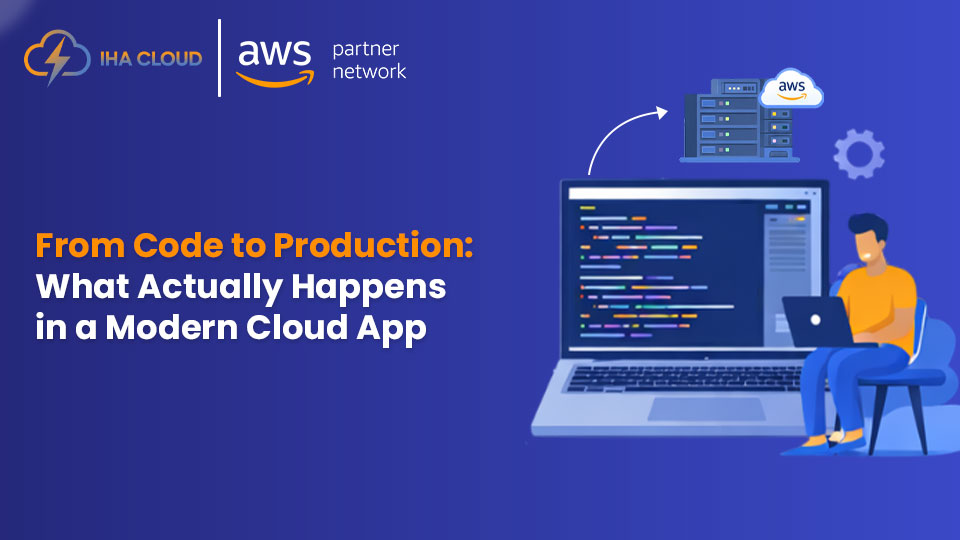
From Code to Production: What Actually Happens in a Modern Cloud App 

For many business leaders and non-technical stakeholders, a cloud application can feel like a black box. Code is written by developers, and somehow it becomes a live application used by customers. What happens in between is often unclear, yet those steps directly affect speed, reliability, security, and cost.  This article explains, in simple and practical terms, how a modern cloud application moves from code to production—and why each step matters to your business.  Step 1: Writing the Code  Everything starts with code. Developers write application logic, user interfaces, and APIs using programming languages and frameworks suited to the product.  At this stage:  Good code alone is not enough. What matters is how safely and efficiently it moves to production.  Step 2: Version Control and Collaboration  Once code is written, it is stored in a version control system such as Git. This allows teams to:  Version control is critical for accountability and stability, especially as teams grow.  Step 3: Automated Build and Testing  When code is updated, automated systems take over. This process is commonly called CI (Continuous Integration).  Here, the system:  This step ensures that broken or risky code never reaches customers.  Step 4: Packaging the Application  Modern cloud applications are usually packaged in a consistent format, often using containers.  This ensures:  Packaging removes the “it works on my machine” problem.  Step 5: Deployment to Cloud Environments  After testing and packaging, the application is deployed to cloud environments such as development, staging, or production.  This process is automated using CI/CD pipelines, which:  In cloud environments, applications can be deployed without downtime, even while users are active.  Step 6: Infrastructure and Scaling  Behind the scenes, cloud infrastructure supports the application.  This includes:  The cloud allows applications to:  Step 7: Security, Monitoring, and Reliability  Once the application is live, continuous monitoring begins.  This includes:  Problems are detected early, often before customers notice them. This is essential for maintaining trust and uptime.  Step 8: Continuous Improvement  A modern cloud app is never “finished.”  Teams continuously:  Cloud platforms make this ongoing improvement possible without disrupting users.  Why This Process Matters for Businesses  This end-to-end flow is not just a technical process. It directly impacts:  When these steps are poorly designed or manually handled, businesses face downtime, slow releases, and higher costs.  How IHA Cloud Supports the Full Journey  At IHA Cloud, we help businesses manage the entire journey from code to production—reliably and efficiently.  We help you:  Whether you are launching a new product or modernizing an existing application, we ensure your cloud setup supports business growth, not operational risk.  Final Thoughts  From code to production, a modern cloud application goes through many critical steps. When designed correctly, this process enables faster innovation, higher reliability, and better cost control.  Understanding this flow helps business leaders make better decisions and choose the right cloud strategy and partners.

From Code to Production: What Actually Happens in a Modern Cloud App  Read More »