Many businesses start with traditional cPanel hosting because it’s simple and affordable. But as traffic grows and applications become more demanding, shared hosting and traditional VPS environments often struggle with performance, scalability, and reliability.
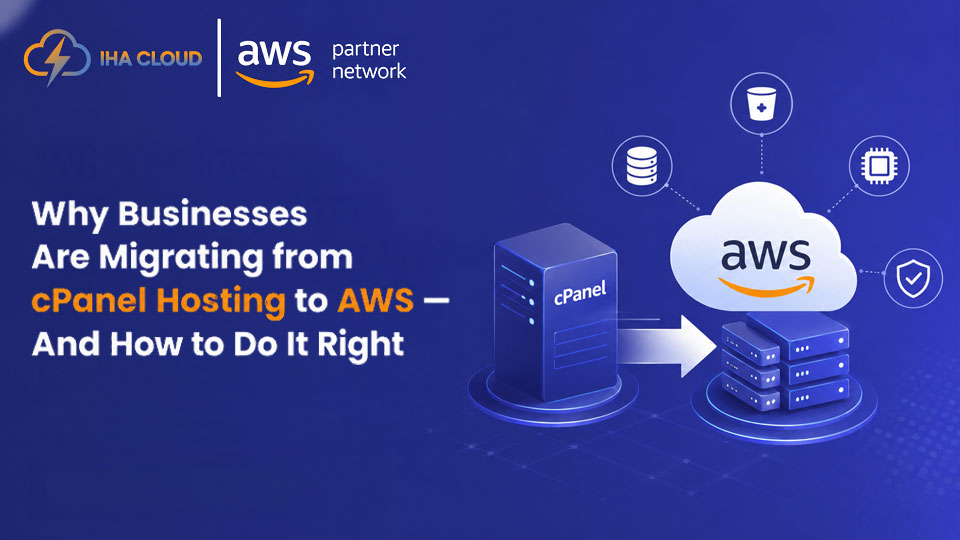
That’s why many companies are now migrating from cPanel hosting to Amazon Web Services (AWS). AWS offers flexible cloud infrastructure, better security, high availability, and the ability to scale resources whenever needed.
The biggest concern during migration?
Downtime.
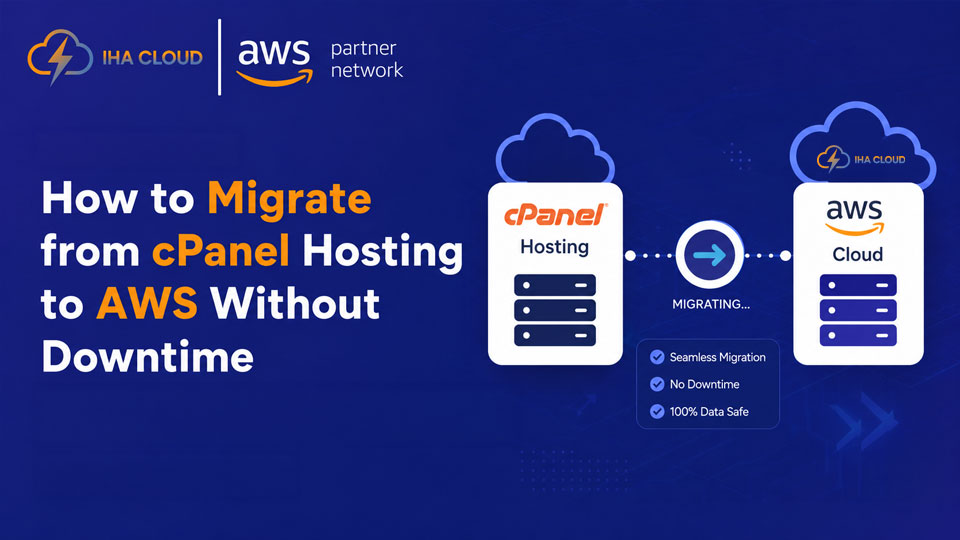
A poorly planned migration can affect website availability, customer experience, SEO rankings, and business operations. The good news is that with the right migration strategy, you can move from cPanel hosting to AWS smoothly with little to no downtime.
Why Businesses Are Moving from cPanel to AWS
Reason behind businesses are moving towards form Cpanel to AWS is traditional hosting environments can become limiting as businesses grow. AWS provides modern cloud infrastructure designed for performance and scalability.
Key Benefits of AWS Migration
- Better website and application performance
- Scalable cloud resources
- Improved security and monitoring
- High uptime and reliability
- Flexible backup and disaster recovery
- Cost optimization based on usage
- Better support for growing traffic
Whether you run a WordPress website, eCommerce store, CRM, or custom business application, AWS provides a more reliable infrastructure for long-term growth.
Step-by-Step cPanel to AWS Migration Without Downtime
1. Analyze Your Existing Hosting Environment
Before migration begins, review your current setup:
- Website files
- Databases
- Email accounts
- SSL certificates
- DNS records
- Applications and dependencies
Understanding your infrastructure helps avoid unexpected issues during migration.
2. Create an AWS Infrastructure Plan
AWS offers many services, so choosing the right architecture is important.
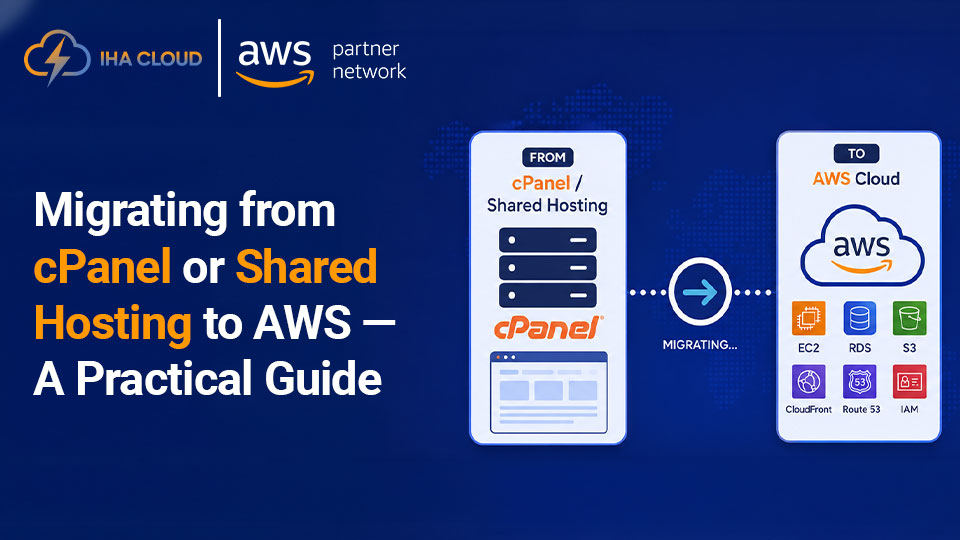
A typical migration setup may include:
- AWS EC2 for hosting
- Amazon RDS for databases
- Elastic Load Balancer
- CloudFront CDN
- S3 for backups and storage
Proper planning ensures performance, security, and scalability after migration.
3. Set Up the AWS Server Environment
The next step is configuring your AWS environment:
- Install web server software
- Configure PHP/MySQL
- Set firewall and security groups
- Install SSL certificates
- Configure backups and monitoring
This environment should closely match your existing hosting setup to avoid compatibility issues.
4. Migrate Website Files and Databases
Once AWS is ready, website files and databases are transferred from cPanel to AWS servers.
This process includes:
- Website files migration
- Database import
- Email configuration
- Application testing
- Permission verification
Data synchronization is important to ensure no information is lost during migration.
You can also read: Top 15 Cloud Migration Service Providers For Business (2025)
5. Test Everything Before Going Live
Before updating DNS records, thoroughly test the new AWS environment.
Check for:
- Website loading speed
- Broken links
- Database connectivity
- Forms and APIs
- Email functionality
- SSL certificate issues
Testing helps identify problems before public traffic reaches the new server.
6. Update DNS with Minimal Downtime
The final step is DNS switching.
To reduce downtime:
- Lower DNS TTL before migration
- Keep old hosting active temporarily
- Synchronize latest database updates
- Monitor DNS propagation carefully
With proper planning, most users will experience little to no downtime during the transition.
Common Challenges During cPanel to AWS Migration
Businesses often face issues like:
- DNS propagation delays
- Missing email configurations
- Database connection errors
- Application compatibility issues
- SSL certificate problems
- Improper server optimization
This is why working with experienced cloud migration experts is important.
How IHA Cloud Helps with cPanel to AWS Migration
At IHA Cloud, we help businesses migrate from traditional hosting environments to AWS cloud infrastructure safely and efficiently.
Our AWS Migration Services Include:
Complete Infrastructure Assessment
We analyze your current cPanel hosting setup and create a customized AWS migration strategy.
Secure AWS Environment Setup
Our team configures AWS servers, security settings, backups, and performance optimization based on your business requirements.
Minimal Downtime Migration
We follow structured migration processes to ensure smooth transition with minimal disruption to your website or applications.
Performance Optimization
After migration, we optimize your AWS infrastructure for better speed, scalability, and stability.
Ongoing Cloud Support
We continue monitoring and supporting your cloud environment after deployment.
Whether you are migrating a single website or an entire hosting infrastructure, IHA Cloud helps simplify the entire process.
Final Thoughts
Migrating from cPanel hosting to AWS can significantly improve your website’s performance, scalability, and reliability. However, a successful migration requires proper planning, server configuration, testing, and monitoring to avoid downtime and business disruption.
With the right migration partner, businesses can move to AWS confidently and unlock the benefits of modern cloud infrastructure.
Frequently Asked Questions
AWS offers better scalability, performance, security, and uptime compared to traditional cPanel hosting environments.
Yes, with proper migration planning, DNS management, and server testing, businesses can migrate with minimal or no downtime.
Websites, WordPress applications, eCommerce stores, CRM systems, databases, and custom business applications can all be migrated to AWS.
Migration time depends on website size, database complexity, and server configuration, but most migrations can be completed within a few hours to a few days.
IHA Cloud provides complete migration support including AWS setup, server optimization, data transfer, security configuration, and ongoing cloud support.