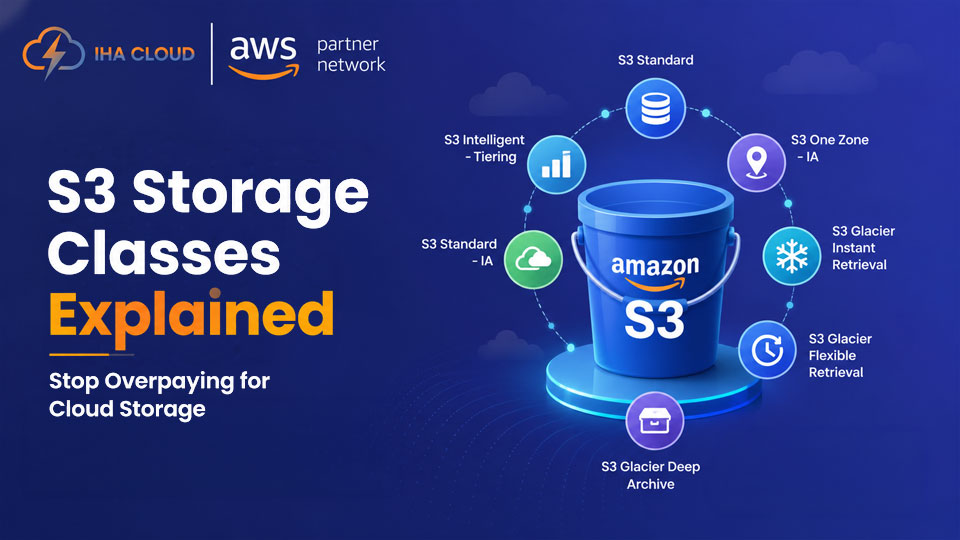
S3 is easy to start with — you create a bucket, upload files, and you are done. The problem is that S3 Standard, which is what most people use by default, costs about 3x more than it needs to for data you are not actively reading.
AWS has six S3 storage classes. Using the right one for each type of data is one of the fastest ways to cut your cloud storage bill.
The Six Storage Classes
| Storage Class | Use Case | Retrieval Time | Cost (per GB/month) |
| S3 Standard | Frequently accessed data | Milliseconds | ~$0.023 |
| S3 Intelligent-Tiering | Unknown or variable access patterns | Milliseconds | ~$0.023 + monitoring fee |
| S3 Standard-IA | Infrequently accessed, needs fast retrieval | Milliseconds | ~$0.0125 |
| S3 One Zone-IA | Infrequent access, can tolerate single-AZ | Milliseconds | ~$0.01 |
| S3 Glacier Instant | Archival data accessed occasionally | Milliseconds | ~$0.004 |
| S3 Glacier Flexible | Archival data, retrieval can wait | Minutes to hours | ~$0.0036 |
S3 Standard: When to Use It
For data that is read frequently — application assets, user uploads that are accessed in real time, static website files, database backups you might need today. If you are accessing the data more than once a month, Standard is appropriate.
S3 Intelligent-Tiering: The Easy Win
If you are not sure how often your data is accessed, Intelligent-Tiering monitors access patterns and automatically moves objects between Standard and infrequent-access tiers. There is a small per-object monitoring fee (around $0.0025 per 1,000 objects), but for large buckets with variable access, the storage savings outweigh it.
This is the easiest change to make on existing S3 buckets — enable it via a bucket lifecycle rule without touching your application.
S3 Standard-IA and One Zone-IA
Standard-IA is for data you need quickly when you do need it, but do not access regularly — monthly reports, quarterly exports, compliance documents. The cost is about half of Standard, but there is a retrieval fee per GB.
One Zone-IA stores data in a single Availability Zone, which reduces cost further. Only use it for data you can regenerate or that is already replicated elsewhere. It is not appropriate for backups you cannot afford to lose.
S3 Glacier: Long-Term Archival
Glacier Instant Retrieval costs roughly 80% less than Standard, with millisecond retrieval. It is designed for data you access perhaps once a quarter — old financial records, archived media, historical logs.
Glacier Flexible Retrieval takes minutes to hours. Use it for regulatory archives where you might need the data in a compliance audit but can wait. The cost is minimal.
How to Move Your Existing Data
You do not need to manually move objects. Use S3 Lifecycle policies to automatically transition objects based on age. For example: move objects older than 30 days to Standard-IA, then to Glacier Instant after 90 days.
This runs automatically and requires no changes to your application. The objects stay in the same bucket at the same S3 path.