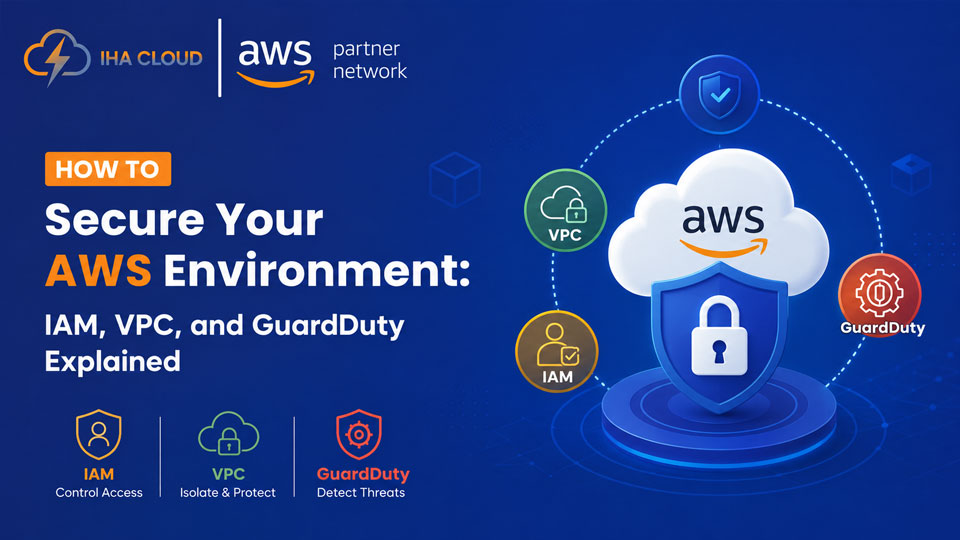
Most AWS breaches are not caused by AWS failures. They come from misconfigured permissions, open security groups, and unmonitored access. The infrastructure is secure. The configuration is not.
These three services — IAM, VPC, and GuardDuty — form the foundation of any serious AWS security posture. Here is what each one does and what you should be doing with it.
IAM: Control Who Can Do What
Identity and Access Management is where most AWS security problems start. Overly permissive roles, unused access keys, and root account usage are the most common issues we find during security audits.
What to do:
- Never use the root account for daily operations — create individual IAM users or use AWS SSO
- Apply least-privilege: give users and services only the permissions they actually need
- Rotate access keys regularly and delete ones that have not been used in 90 days
- Enable MFA on every human account, especially root
- Use IAM roles for EC2 instances — never hardcode credentials in application code
AWS IAM Access Analyzer can scan your policies and flag permissions that are too broad. Run it. Act on what it finds.
VPC: Control What Can Talk to What
A Virtual Private Cloud is your private network inside AWS. A poorly designed VPC — with everything in a public subnet and security groups open to 0.0.0.0/0 — is an open door.
What to do:
- Separate public and private subnets. Databases and application servers should never be in public subnets
- Security groups are stateful firewalls — keep inbound rules tight. Only allow the ports your application actually uses
- Use a NAT Gateway to give private instances outbound internet access without exposing them publicly
- Enable VPC Flow Logs. When something goes wrong, you will need the traffic records
- Consider AWS Network Firewall for deep packet inspection on traffic entering and leaving your VPC
GuardDuty: Detect Threats Automatically
GuardDuty analyses CloudTrail logs, VPC flow logs, and DNS logs to detect threats. It uses machine learning to flag unusual patterns — an EC2 instance suddenly making requests to a cryptocurrency mining pool, root account logins from unusual locations, or API calls from known bad IP addresses.
GuardDuty costs roughly 2–3 USD per million events. For most businesses, the monthly cost is under 50 USD. The value of catching a compromised instance or stolen credential before it escalates is not comparable to that number.
Turn it on in every region. Connect its findings to an SNS topic or a security tool. Do not let findings pile up unreviewed.
The Three Layers Together
IAM controls identity. VPC controls network access. GuardDuty detects anomalies. None of them replaces the others. A strong AWS security posture needs all three configured correctly.