For many businesses, cPanel shared or VPS hosting was the logical starting point. It’s affordable, easy to use, and works well for small websites and simple applications. But as businesses grow, cPanel’s limitations become impossible to ignore — slow performance under traffic, limited scalability, shared resources, and a security model that was never designed for modern applications.
AWS offers a fundamentally different model: dedicated, elastic, scalable infrastructure that grows with your business. IHA Cloud has successfully migrated multiple businesses from cPanel hosting to AWS — including Wings Design and ResQ247. Here’s everything you need to know.
Why Businesses Outgrow cPanel Hosting
Performance limitations:
- Shared hosting means your site shares CPU and RAM with hundreds of others
- Traffic spikes on neighbouring sites degrade your performance
- No ability to scale resources independently for specific applications
Reliability risks:
- Single server failure takes down all hosted sites simultaneously
- No automatic failover or redundancy
- Backup and restore processes are manual and slow
Security gaps:
- Shared environments mean one compromised account can affect others
- Limited ability to implement custom security controls
- No native DDoS protection, WAF, or advanced threat detection
Scalability ceiling:
- Upgrading a cPanel VPS eventually hits a hard ceiling
- Cannot independently scale web, database, and cache tiers
- No auto-scaling during traffic peaks
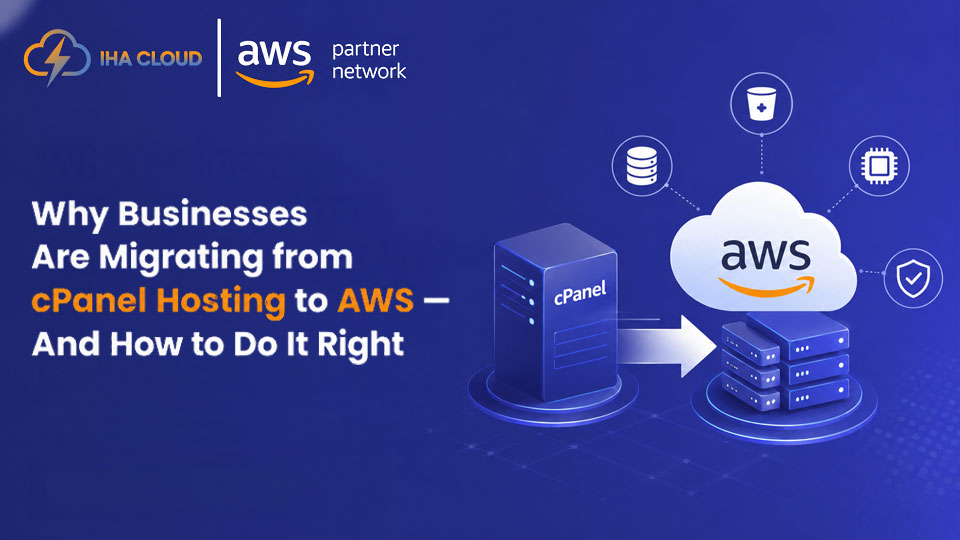
What AWS Gives You That cPanel Cannot
- Dedicated resources — Your EC2 instances, RDS databases, and storage are never shared with other customers
- Auto Scaling — Traffic spikes handled automatically without manual intervention
- Global CDN — CloudFront delivers your content from edge locations closest to each visitor
- Managed databases — RDS handles backups, patches, and failover automatically
- Enterprise security — WAF, Shield, GuardDuty, and IAM at every layer
- Pay for what you use — Right-sized infrastructure costs less than over-provisioned cPanel VPS at scale
IHA Cloud’s cPanel to AWS Migration Process
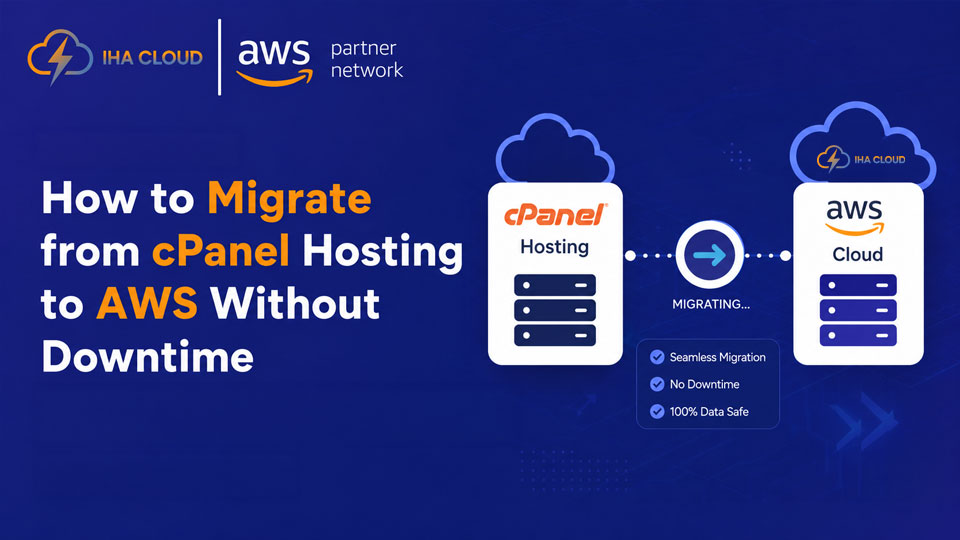
Step 1 – Discovery and Inventory: Audit all websites, databases, email accounts, cron jobs, DNS records, and SSL certificates on the cPanel server.
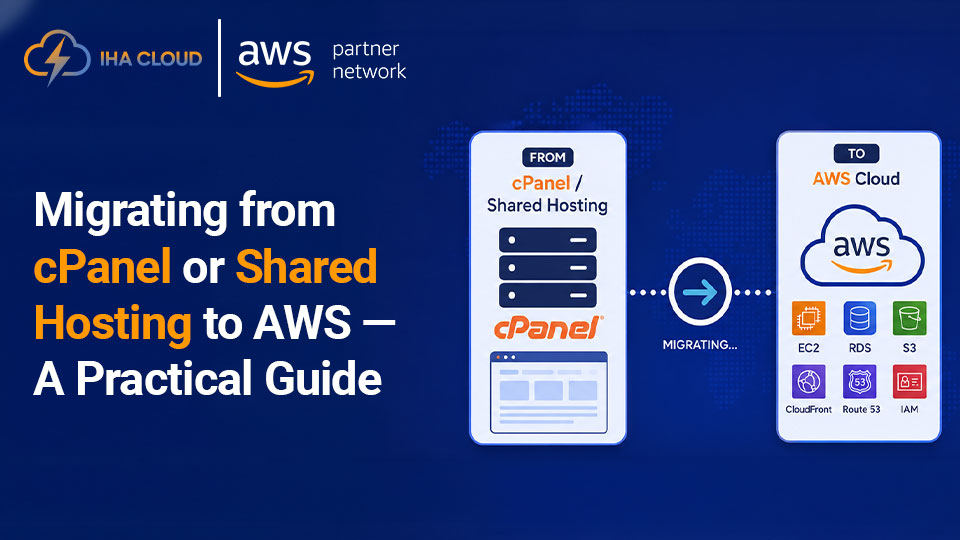
Step 2 – Target Architecture Design: Design the right AWS architecture for each workload — a simple WordPress site might go to a single EC2 + RDS setup, while a complex application might need ECS, Aurora, ElastiCache, and CloudFront.
Step 3 – Environment Setup: Provision the AWS environment — VPC, security groups, EC2 or ECS, RDS, S3, and CloudFront — using Infrastructure as Code.
Step 4 – Data Migration:
- Migrate databases using mysqldump or AWS Database Migration Service
- Sync files and media to EC2 or S3
- Configure application environment variables and connection strings
Step 5 – Testing: Test the application thoroughly on the new AWS environment using a staging domain before cutting over DNS.
Step 6 – DNS Cutover: Switch DNS records to point to AWS. With low TTL values set in advance, propagation is near-instant. The old cPanel server remains available as a fallback for 24-48 hours.
Step 7 – Post-Migration Optimisation: Implement CloudFront caching, configure CloudWatch monitoring, set up automated RDS backups, and rightsize EC2 instances based on actual usage.
Real Results: Wings Design Migration
IHA Cloud migrated Wings Design’s e-commerce platform from BigRock cPanel to AWS — delivering improved application performance, enterprise-grade security, and an infrastructure that scales reliably with business growth, at a total cost of ownership lower than their previous hosting arrangement.