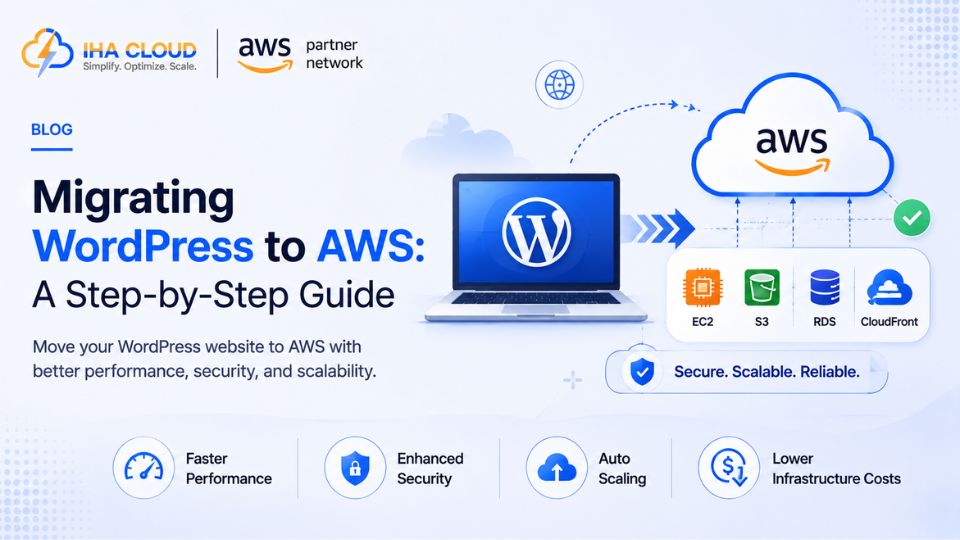
WordPress on shared hosting works fine for a small site, until traffic grows, plugins pile up, and page load times start affecting conversions. Moving to AWS gives you room to scale — but the migration needs to be handled carefully to avoid losing content or breaking the site in the process.
Why Businesses Make This Move
- Shared hosting has fixed resource limits that WordPress sites eventually outgrow
- AWS allows independent scaling of compute, database, and storage as traffic grows
- Better control over caching, CDN, and performance tuning than most shared hosting panels allow
The Basic Architecture
- EC2 — running the WordPress application and web server (Nginx or Apache)
- RDS (MySQL/MariaDB) — the WordPress database, separated from the application server
- S3 + CloudFront — for media files and static asset delivery via CDN
- Route 53 — DNS management for the domain
Separating the database onto RDS from day one makes future scaling far easier than keeping it on the same server as the application.
Migration Steps
- Take a full backup of the WordPress files and database from the current host
- Provision the EC2 instance, RDS database, and S3 bucket on AWS
- Restore the database to RDS and update wp-config.php with the new database endpoint
- Upload WordPress files to EC2, and configure a plugin (like WP Offload Media) to serve uploads from S3
- Test the site thoroughly on a temporary URL or staging subdomain before cutting over DNS
- Update Route 53 DNS records to point to the new AWS infrastructure, with a low TTL set in advance to minimize propagation delay
Reducing Downtime During Cutover
- Lower the DNS TTL a day or two before migration so the eventual switch propagates faster
- Do a final database sync immediately before switching DNS to capture any last-minute content changes
- Keep the old hosting environment running for a few days after cutover as a fallback
Common Mistakes
- Migrating files but forgetting to update hardcoded URLs referencing the old domain or server
- Not testing plugins and themes on the new PHP version AWS EC2 is running
- Skipping a CDN setup, missing an easy performance win that shared hosting rarely offered anyway
- No monitoring or automated backups configured after the migration completes
After the Move
Once WordPress is running on AWS, set up CloudWatch monitoring, automated RDS backups, and a CDN through CloudFront if it is not already in place. The real value of the migration is not just moving the same site to different infrastructure — it is unlocking the ability to scale each part of the stack independently as the site grows.