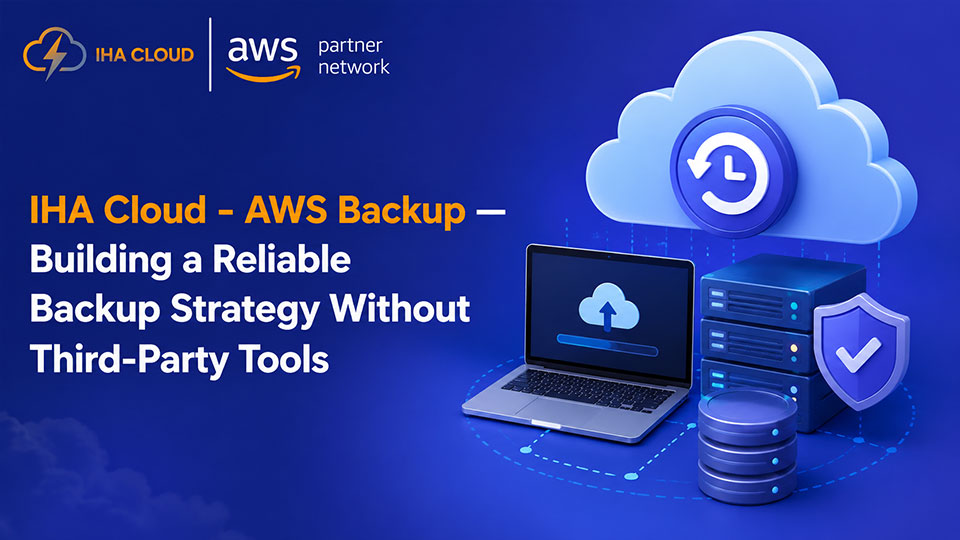
Backup strategies fail in two ways: people do not set them up properly, or they set them up and never verify they actually work. Both lead to the same outcome when something goes wrong.
AWS Backup is a centralised service that automates backups across EC2, RDS, Aurora, EFS, DynamoDB, FSx, and Storage Gateway. One console, one set of policies, one audit trail.
What AWS Backup Covers
- EC2 instances — full AMI snapshots on a schedule
- RDS and Aurora databases — consistent snapshots with point-in-time recovery
- EFS file systems — incremental backups with restore to any point
- DynamoDB tables — on-demand and continuous backups
- EBS volumes — crash-consistent snapshots
Before AWS Backup, you had to set up snapshot policies separately for each service. Now you define a Backup Plan — frequency, retention period, lifecycle to cold storage — and assign it to resources by tag.
Setting Up a Backup Plan
A Backup Plan has two components: rules and resource assignments.
Rules define when backups happen and how long they are kept. A typical production setup:
- Daily backups retained for 30 days
- Weekly backups retained for 3 months
- Monthly backups retained for 1 year
Resource assignments use tags. Tag your production RDS instance with Environment: production and assign that tag to your backup plan. Every resource with that tag is automatically backed up.
Cross-Region and Cross-Account Backup
For serious disaster recovery, copy backups to a different AWS region or a separate AWS account. AWS Backup supports both natively.
Cross-account backup is the most resilient option — even if someone accidentally deletes your AWS account or a ransomware attack encrypts your data, backups in a separate account remain untouched.
The Most Important Step: Test Your Restores
A backup you have never tested is not a backup — it is a hope. Schedule restore tests quarterly at minimum. Pick a random backup, restore it to a test environment, and verify the data is complete and usable.
AWS Backup has a restore testing feature that automates this. Configure it, run it, and get evidence that your backups are valid. This is also required for SOC 2 and ISO 27001 compliance.
Backup vs Replication
Backup and replication are not the same thing. Multi-AZ RDS replication gives you high availability — if one AZ fails, the standby takes over. But replication copies everything, including accidental deletions. Backup gives you point-in-time recovery — the ability to go back to before something went wrong.
You need both for a complete data protection strategy.