
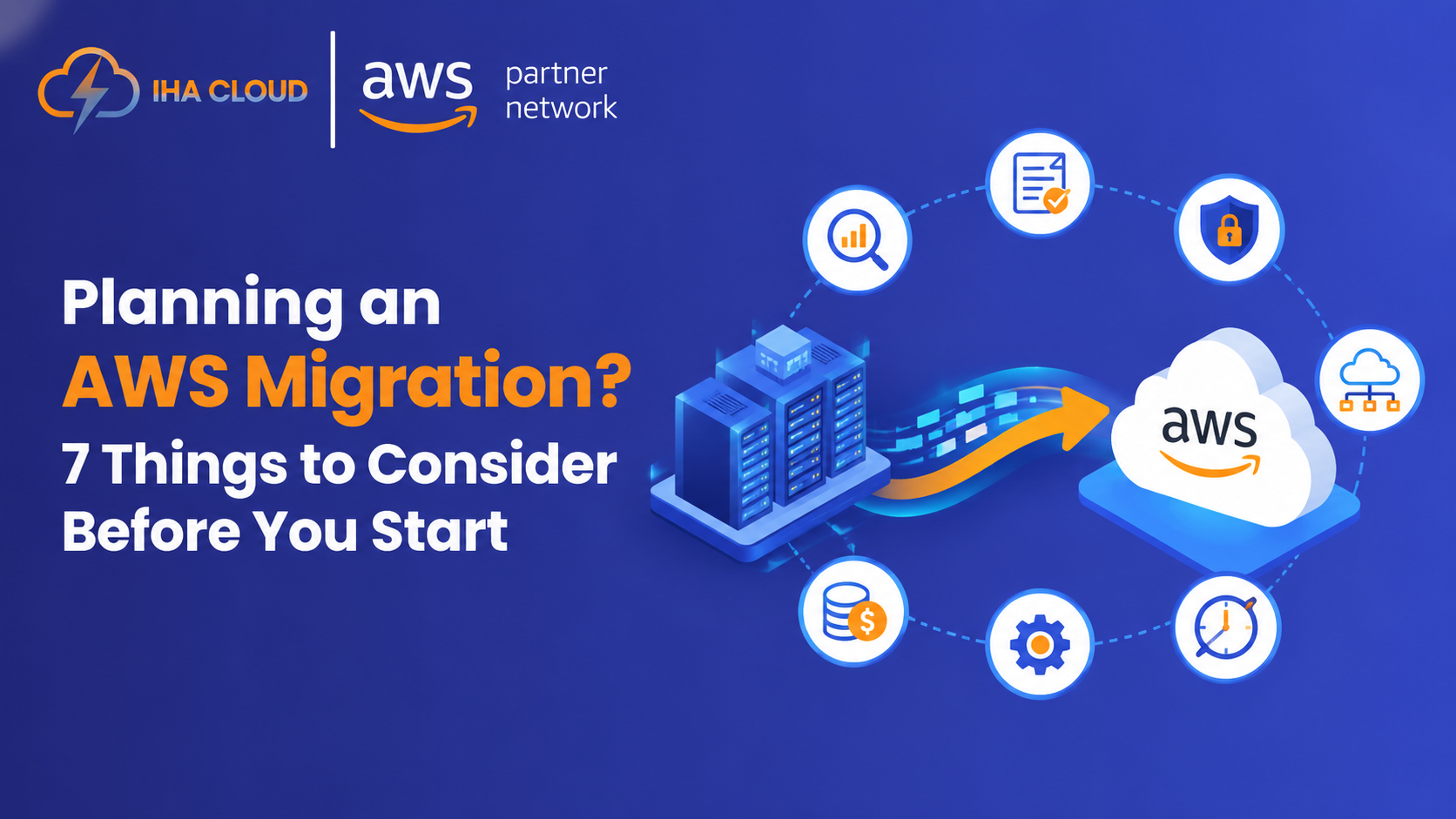
Moving to AWS can give businesses greater flexibility, scalability, and control over their IT environment. But an AWS migration is rarely as simple as moving applications from an on-premises server to the cloud.
The decisions made before migration begins often have the biggest impact on cost, performance, security, and downtime.
What should you consider before an AWS migration? Start with your current infrastructure, business objectives, total cost of ownership, workload dependencies, migration strategy, security foundation, and success criteria.
This guide is for IT leaders, infrastructure teams, and business decision-makers evaluating an AWS migration and looking to understand the key decisions before committing to a migration roadmap.
In short, AWS migration starts with decisions—not AWS services.
1. Start With an AWS Migration Assessment
Before deciding what to move, understand what you already have.
An AWS migration assessment should examine:
- Applications and servers
- Databases and storage
- Network architecture
- Application dependencies
- Performance requirements
- Licensing constraints
- Security and compliance requirements
The goal isn’t simply to create an inventory. It’s to determine what should move, what should change, and what may not need to move at all.
For example, an internal application may seem straightforward to migrate until you discover that it relies on a legacy database or an on-premises system. Moving it without understanding those dependencies could create performance or availability issues.
A proper assessment turns infrastructure data into clear migration priorities and helps shape the AWS migration roadmap.
2. Define Why You’re Migrating
“Move everything to AWS” isn’t a business objective.
Before creating a migration plan, determine what the business actually wants to achieve.
Is the goal to:
- Reduce data-center dependency?
- Improve scalability or availability?
- Modernize legacy applications?
- Accelerate software delivery?
- Support business growth?
- Improve disaster recovery?
These objectives should influence which workloads you migrate first and how you migrate them.
For example, an e-commerce company preparing for seasonal traffic may prioritize scalability and resilience, while a business approaching the end of a data-center lease may prioritize migration speed and infrastructure consolidation.
Your business objective should influence your AWS migration strategy not the other way around.
3. Understand AWS Migration Cost and TCO
One common mistake is assuming:
AWS migration cost = your future AWS bill.
It doesn’t.
A realistic business case should compare your current-state Total Cost of Ownership (TCO) with the cost of migration and future AWS operations.
Consider:
- AWS compute, storage, and networking
- Data transfer
- Migration tools
- Application refactoring
- Database modernization
- Licensing
- Security and monitoring
- Backup and disaster recovery
- Engineering and training
- Temporary parallel infrastructure
After migration, factors such as rightsizing, storage lifecycle management, licensing choices, and data-transfer architecture can significantly affect ongoing costs.
For a deeper look at managing AWS spending, see our AWS Cost Optimization Checklist for 2026.
Cloud cost management should be part of the migration plan from the beginning. Teams can use FinOps practices to establish visibility, ownership, and ongoing control over AWS spending as workloads move into production.
A workload that’s inefficient on-premises can remain inefficient in the cloud if its architecture, resource sizing, and operating model aren’t reconsidered.
4. Choose the Right AWS Migration Strategy
Not every application should be migrated in the same way.
AWS defines seven migration strategies, known as the 7 Rs:
Rehost, relocate, replatform, refactor, repurchase, retain, and retire.
For example:
- Rehost: Move an application to AWS without changing the application.
- Relocate: Transfer workloads to a cloud version of the existing platform without purchasing new hardware, rewriting applications, or significantly changing operations.
- Replatform: Make targeted optimizations while moving to AWS.
- Refactor: Redesign an application to take greater advantage of cloud-native capabilities.
- Repurchase: Replace an existing solution with a different product, often a SaaS alternative.
- Retain: Keep a workload in its existing environment when migration isn’t currently justified.
- Retire: Decommission an application that no longer provides enough business value.
The important part is choosing the right approach for each workload.
For example, imagine a company with 40 applications running across VMware, SQL Server, and shared file storage. Rather than moving everything at once, the team might identify eight low-dependency applications for the first migration wave, retain five temporarily, retire seven legacy systems, and create modernization plans for the remaining workloads.
That is what a practical AWS migration strategy looks like: different workloads, different decisions.
5. Prepare Your AWS Landing Zone
Your AWS environment should be ready before critical applications arrive.
An AWS landing zone establishes the foundational environment in which workloads will operate. This can include standards for:
- AWS accounts
- Networking
- Identity and access management
- Logging and monitoring
- Security controls
- Governance and compliance
The purpose is more than creating an AWS account. A well-planned landing zone gives migration teams a consistent environment for deploying and operating workloads as the organization grows.
It also creates an opportunity to address problems that shouldn’t simply be carried from the existing environment into AWS.
Don’t use migration to reproduce the same architectural and operational problems you already have.
If the current environment has unnecessary complexity, weak access controls, or limited visibility, address those issues as part of the migration plan.
6. Map Dependencies and Plan Migration Waves
Large environments rarely move safely in one giant migration.
Group workloads into logical migration waves based on:
- Application dependencies
- Business criticality
- Technical complexity
- Risk
- Migration effort
- Expected business value
A company might begin with a lower-risk internal application. That experience can help validate the AWS environment, tooling, processes, and operational readiness before moving critical customer-facing workloads.
Dependency mapping is especially important. Applications may share databases, authentication systems, file storage, or network connections that aren’t obvious from a basic infrastructure inventory.
For database-specific planning, see our guide to AWS Database Migration Service and moving on-premises databases to RDS.
Identifying those relationships early makes it easier to decide what should move together, what needs to move first, and what should wait.
7. Define What Success Looks Like
A migration isn’t successful simply because workloads are running in AWS.
Before migration begins, define measurable outcomes such as:
- Reduced infrastructure costs
- Improved availability
- Lower downtime
- Better application performance
- Faster deployments
- Improved recovery times
- Reduced operational effort
The right metrics depend on the reason for migrating.
If the primary objective is resilience, for example, measuring only the AWS bill won’t tell you whether the migration succeeded. If the goal is cost reduction, infrastructure performance and application availability still need to be monitored.
Your KPIs should connect directly to why you decided to migrate.
AWS Migration Readiness: 5 Questions to Ask First
Before moving forward, make sure you can answer these questions:
| Question | What you should know |
| What are we moving? | Applications, infrastructure, and dependencies |
| Why are we moving? | Clear business objectives |
| What will it cost? | Migration expenses + ongoing AWS operating costs |
| How should each workload move? | The appropriate migration strategy |
| What could go wrong? | Risks involving security, dependencies, downtime, compliance, and operations |
If you can’t answer these questions confidently, the next step probably isn’t migration.
It’s assessment.
Turn AWS Migration Planning Into a Clear Next Step
A successful AWS migration isn’t defined by how quickly workloads leave your data center. It’s defined by whether the move delivers business value without creating unnecessary cost, risk, or operational complexity.
That starts with understanding your current environment, defining clear objectives, choosing the right migration strategy, and preparing the AWS foundation before workloads move.
Planning an AWS migration? IHA Cloud can help you assess your environment, prioritize workloads, and build a practical migration roadmap focused on cost, security, and business outcomes.
Leave a Comment