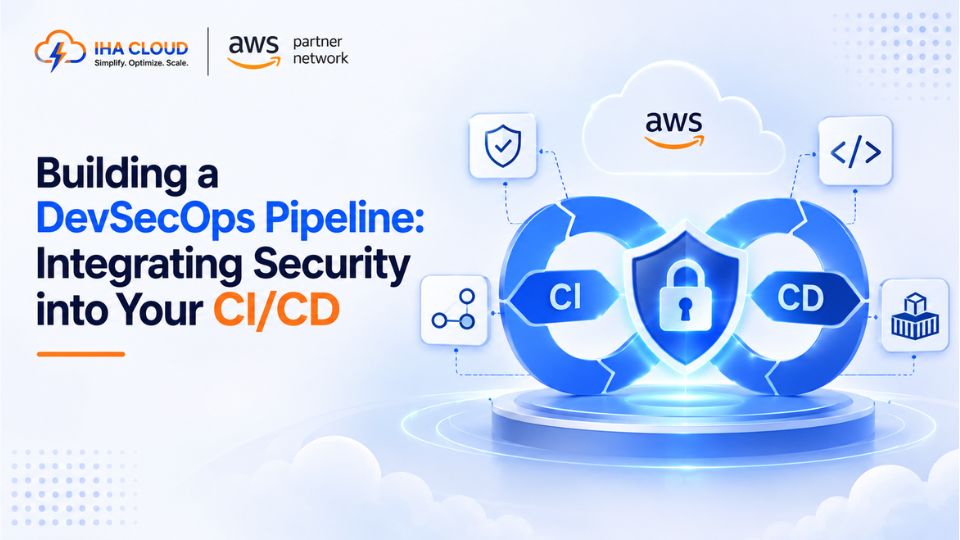
Security reviews that happen after code is already deployed catch problems too late, and usually too slowly to matter. DevSecOps means moving those checks earlier — into the pipeline itself — so vulnerabilities are caught before they ever reach production.
What Changes With DevSecOps
Traditional workflows treat security as a separate, later step. DevSecOps treats it as part of the same pipeline that builds and tests the code, running automatically on every change.
- Vulnerabilities are caught during development, when they are cheapest to fix
- Security checks run automatically, without waiting for a manual review cycle
- Every deployment carries a consistent, repeatable level of security validation
Where Security Checks Fit in the Pipeline
- Dependency scanning — check third-party libraries and packages for known vulnerabilities before the build completes
- Static Application Security Testing (SAST) — analyze source code directly for common security flaws
- Container image scanning — tools like Trivy scan Docker images for vulnerabilities in the base image and installed packages before they are pushed to a registry
- Secrets scanning — catch hardcoded credentials or API keys before they are committed to the repository
- Infrastructure as Code scanning — check Terraform or CloudFormation templates for misconfigurations before infrastructure is provisioned
A Practical Pipeline Order
- Code is committed and triggers the pipeline
- Dependency and secrets scanning run first, since they are fast and catch obvious issues early
- The build and automated tests run
- Container image scanning runs on the built image before it is pushed to the registry
- IaC scanning validates any infrastructure changes
- Deployment proceeds only if every stage passes
Keeping It From Slowing the Team Down
- Set severity thresholds — block deployment for critical and high vulnerabilities, but flag lower-severity issues without blocking
- Cache dependency scan results between builds where nothing has changed, to keep pipeline runtime reasonable
- Give developers the scan results directly in their pull request, not in a separate report they have to go looking for
Common Mistakes
- Adding scanning tools but setting them to warn only, never actually blocking a vulnerable deployment
- Scanning only at the end of the pipeline, after significant build and test time has already been spent
- No process for triaging findings, so scan results pile up and get ignored entirely
- Treating DevSecOps as a one-time tooling addition rather than an ongoing practice the team owns
The Real Goal
DevSecOps is not about adding more steps for their own sake — it is about making sure security scales at the same pace as deployment frequency. A team deploying multiple times a day needs security checks that run automatically every time, not a manual review that can only happen occasionally.