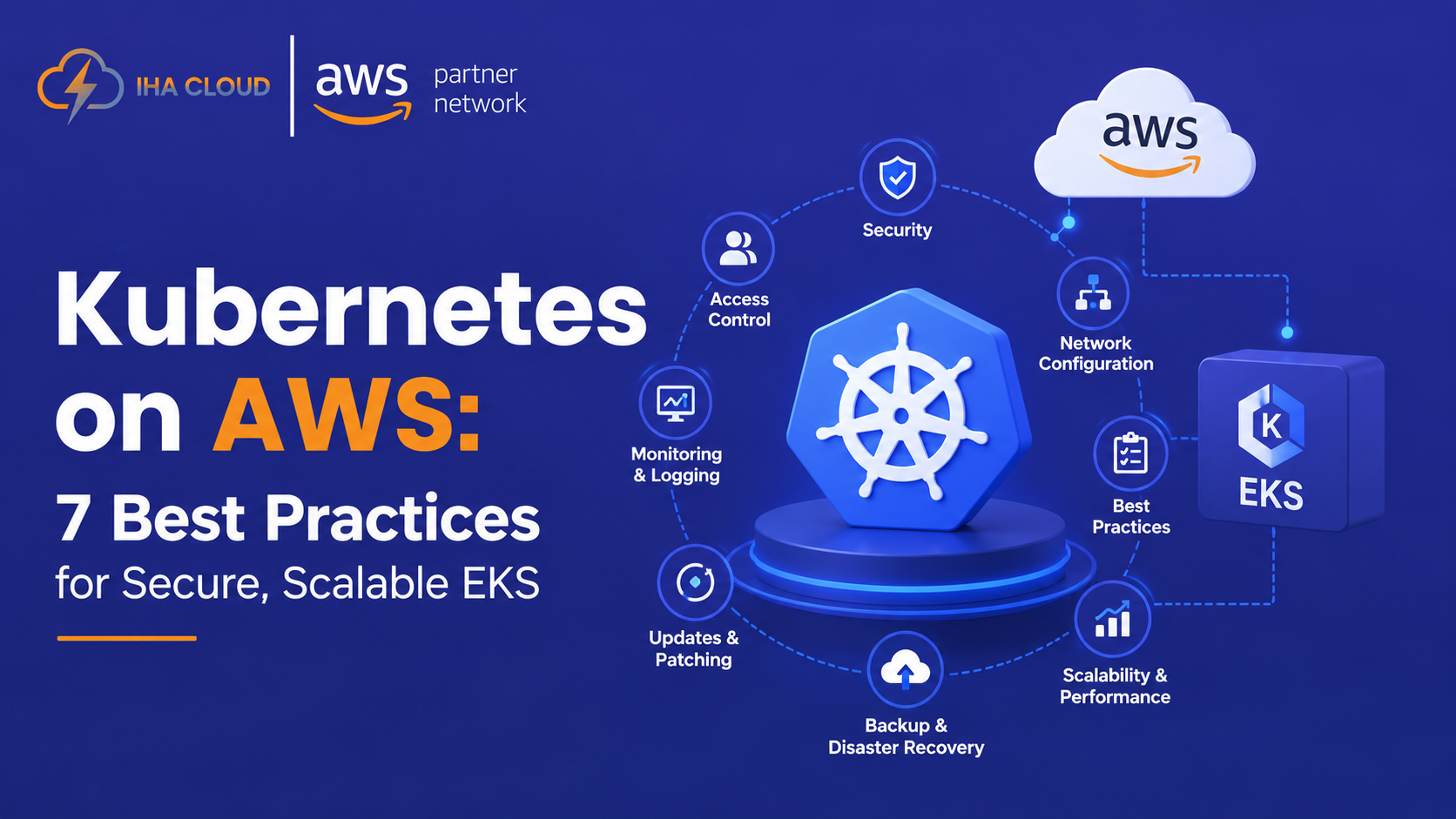
Running Kubernetes on AWS isn’t difficult. Running it efficiently in production is.
You can create an Amazon EKS cluster quickly. The harder questions come afterward: How should your VPC be designed? Should you use EC2, Fargate, or EKS Auto Mode? How should workloads scale? How do you secure AWS access? And how do you prevent Kubernetes from quietly increasing your AWS bill?
Kubernetes is now firmly established in production. CNCF reported that 82% of container users were running Kubernetes in production, while Kubernetes is also becoming increasingly important for AI inference workloads.
For organizations adopting Kubernetes on AWS, Amazon EKS combines managed Kubernetes with AWS compute, networking, security, storage, and other cloud services.
But creating a cluster is only the beginning.
What Is Kubernetes on AWS?
Kubernetes on AWS means running Kubernetes workloads on AWS infrastructure, most commonly through Amazon Elastic Kubernetes Service (Amazon EKS).
A simplified Amazon EKS architecture looks like:
Users → Load Balancer → EKS → Pods → AWS Services
EKS is a strong fit for:
- SaaS and microservices platforms
- High-traffic applications
- APIs and backend services
- Batch workloads
- AI/ML inference
- Applications requiring automated scaling
But Kubernetes isn’t automatically the right answer. For a simple application, a managed service with less operational overhead may be a better choice.
The goal isn’t to use Kubernetes because it’s popular. It’s to use it when its flexibility and scalability justify the complexity.
7 Kubernetes on AWS Best Practices
1. Design Your AWS Network Before Deploying EKS
Your EKS architecture starts with your AWS VPC, not Kubernetes.
A common production pattern is:
Internet → Application Load Balancer → Private Subnets → EKS → AWS Services
Plan for:
- Public and private subnets
- Multiple Availability Zones
- VPC CIDR ranges
- Security groups
- NAT Gateway requirements
- Pod networking
- Load balancing
The AWS Load Balancer Controller can connect Kubernetes services and ingress resources with AWS load-balancing infrastructure.
Networking also affects your AWS bill. NAT Gateway usage and cross-AZ data transfer can become meaningful costs as traffic grows.
Best practice: design traffic flow, security boundaries, and expected network costs before deploying production workloads.
2. Design for Multi-AZ Resilience
Running EKS across multiple Availability Zones doesn’t automatically make an application highly available.
Your workloads need to be distributed correctly too.
Use:
- Multiple pod replicas
- Topology spread constraints
- Pod anti-affinity where appropriate
- Pod disruption budgets
- Multi-AZ compute capacity
For example, six replicas running in one Availability Zone can still fail together during an AZ outage.
So don’t just ask:
“Is my EKS cluster highly available?”
Ask:
“Can my application continue serving customers when infrastructure fails?”
That is the difference between deploying Kubernetes and designing it for production.
3. Choose the Right EKS Compute Model
EKS gives you several ways to run workloads.
Amazon EC2
Best when you need greater infrastructure control, specialized compute, GPUs, or deeper cost optimization.
AWS Fargate
Useful when reducing server management is more important than node-level control and your workloads fit Fargate’s supported model.
EKS Auto Mode
Useful when you want Kubernetes while reducing the amount of infrastructure management your team performs. It automates aspects of compute provisioning and cluster infrastructure.
Don’t choose based on price alone.
Start with:
Workload requirements → Required control → Operational overhead → Cost
That usually leads to a better decision than simply choosing the cheapest compute option.
4. Secure AWS Access With Workload Identity
AWS secures the underlying infrastructure, but your team remains responsible for workload and Kubernetes security.
Use AWS IAM and Kubernetes RBAC together and apply least privilege.
For workloads that need AWS permissions, use EKS Pod Identity or IAM Roles for Service Accounts (IRSA) instead of distributing long-lived credentials.
A strong baseline includes:
- Least-privilege IAM
- Kubernetes RBAC
- Secrets Manager or Parameter Store
- KMS encryption
- Network policies
- Container image scanning
- Audit logging
- Regular updates
For example, a payment service that only needs access to one secret shouldn’t receive broad permissions across the AWS account.
Give every workload only the permissions it actually needs.
5. Use Autoscaling at Multiple Levels
Kubernetes scaling isn’t simply about adding pods.
Think about three layers:
Pod scaling
Use the Horizontal Pod Autoscaler (HPA) to adjust application replicas based on appropriate metrics.
Compute scaling
Use node autoscaling solutions such as Karpenter to provision suitable compute capacity as workloads change.
Application scaling
Look beyond Kubernetes. Databases, queues, caches, and external APIs can become the real bottlenecks.
For example:
Traffic doubles → HPA adds pods → database reaches capacity → application still slows down.
Adding more pods won’t fix that problem.
Scale the bottleneck, not just the container count.
6. Build Observability Before Production
Kubernetes creates operational data across infrastructure, clusters, and applications. Without proper observability, diagnosing an outage becomes a guessing game.
Use three layers:
Metrics → Logs → Traces
Monitor:
| Layer | Examples |
| Infrastructure | CPU, memory, network |
| Kubernetes | Pod restarts, scheduling failures |
| Application | Latency, errors, throughput |
| Business | Transactions, conversions |
AWS services such as CloudWatch can be combined with technologies such as Prometheus, Grafana, and OpenTelemetry.
Each solves a different part of the observability problem: infrastructure monitoring, metrics, visualization, and telemetry/instrumentation.
The objective isn’t to collect more data.
It’s to answer:
What failed? When? Which workload? Who is affected?
7. Automate Deployments and Control Costs
A repeatable AWS Kubernetes deployment workflow can look like:
Git → CI/CD → Container Registry → GitOps → EKS
Use Infrastructure as Code for AWS infrastructure and GitOps for Kubernetes configuration. Tools such as Terraform, CloudFormation, and Argo CD can reduce manual changes and configuration drift.
Keeping deployment configuration in Git also creates a versioned, reviewable source of truth for production.
CNCF has reported strong adoption of GitOps practices and Argo CD within the Kubernetes ecosystem.
For cost optimization, use:
Measure → Right-size → Automate → Review
Evaluate:
- EC2 capacity
- CPU and memory requests
- EBS/EFS usage
- NAT Gateway costs
- Cross-AZ data transfer
- Load balancers
- Idle workloads
For example, if an application requests 4 vCPUs but consistently uses less than 1, its resource configuration deserves review.
Kubernetes cost optimization isn’t about choosing the cheapest infrastructure. It’s about paying for capacity your workloads actually need.
A Practical Kubernetes on AWS Architecture
Consider a SaaS platform using:
Users → ALB → EKS → RDS
with:
Multi-AZ + HPA + Karpenter + Pod Identity + Secrets Manager + CloudWatch
The ALB handles incoming traffic, EKS orchestrates containers, HPA responds to application demand, Karpenter provides compute capacity, Pod Identity controls AWS access, Secrets Manager protects credentials, and CloudWatch provides operational visibility.
In a real environment, additional services such as Route 53, ElastiCache, S3, queues, or CDNs may also be part of the architecture.
The important principle is:
Kubernetes should be designed as part of the AWS application architecture—not as an isolated platform.
The 5S Production Framework
Before deploying a workload, ask:
SCALE — Can it handle traffic spikes?
SECURE — Are identities, secrets, and permissions protected?
SURVIVE — Can it tolerate infrastructure failures?
SEE — Can engineers diagnose problems quickly?
SPEND — Is AWS capacity aligned with actual usage?
If one area is weak, review the architecture before moving the workload into production.
When Should You Use Kubernetes on AWS?
Kubernetes on AWS is a strong fit for:
- Microservices platforms
- SaaS applications
- Complex deployment workflows
- High-availability workloads
- Rapidly changing applications
- AI/ML infrastructure
It may be unnecessary for a simple application with limited operational requirements.
If a workload can run reliably on a simpler managed AWS service, Kubernetes may introduce complexity without enough benefit.
Use Kubernetes when its capabilities justify its operational cost—not simply because it’s popular.
Planning Kubernetes on AWS?
A production-ready EKS environment requires more than creating a cluster.
Your networking, compute model, identity strategy, scaling approach, observability, deployment automation, and AWS costs all need to work together.
If you’re planning an EKS deployment, Kubernetes migration, cloud modernization, or AWS cost optimization initiative, IHA Cloud can help you build an AWS environment designed for security, scalability, reliability, and cost efficiency.
Build Kubernetes for production—not just deployment.